
Swapping Used Electronics: A Practical Checklist Before You Hand Over
A working screen is only the start. Check condition, charging, accessories and account locks before exchanging a used phone, laptop or pair of headphones.
Swapadda · 12 October 2026 · 5 min read
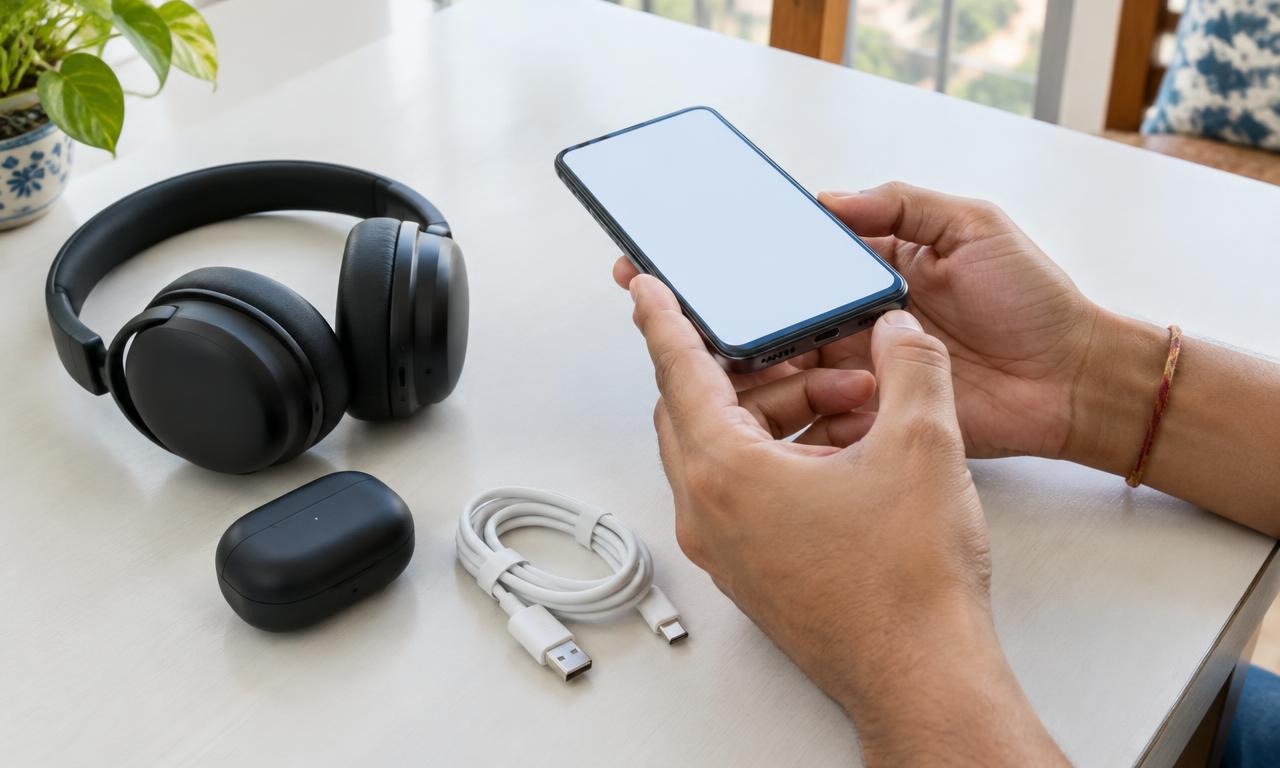
A device that lights up is not necessarily ready for a new owner. Before swapping a phone, laptop or headphones, check the functions you will actually use and make sure the current owner can transfer it without account restrictions.
This is a practical inspection guide, not a guarantee that a device has no hidden faults. If you cannot confidently test an expensive item, arrange a professional inspection or decline the exchange.
Before the meeting: ask the questions that photos cannot answer
Ask for the exact model, storage capacity where relevant, age if known, repair history and any faults. Confirm which charger, cable, case or other accessories are included. Ask whether proof of purchase is available; its absence or presence alone does not prove ownership.
The owner should explain their right to exchange the device. Do not proceed if ownership is unclear or the device appears to belong to an employer or someone else.
Request clear photos of the screen, sides, ports and known damage. Agree in Swapadda chat that you will have time to inspect both sides of the exchange. Avoid sharing passwords, one-time codes or sensitive identity documents to arrange a meeting.
Bring a small testing kit
Bring a compatible charging cable, a power source where practical, your own headphones if needed, and a short checklist. Agree beforehand if internet access is needed for testing or setup. Do not assume a cafe will provide power or Wi-Fi.
Meet in a public place where you can take time to inspect. Tell someone your plans. Never let urgency replace the checks you agreed to perform.
Phone checklist: test more than the display
- Body and screen: remove the case with the owner's permission. Look for cracks, dents, lifting edges and visible damage.
- Touch and buttons: test different screen areas, volume controls and the power button.
- Camera and audio: take a photo, record a short video, play it back and test the microphone and speaker with the owner's permission.
- Charging: connect a compatible cable and confirm charging begins. Check for a loose or damaged port.
- Connectivity: test the connections you need, such as Wi-Fi, Bluetooth or mobile service, where you have permission and suitable equipment.
- Battery and repairs: review battery information and repair history if the device provides them. A displayed battery-health number is useful context, not a promise of a specific runtime.
Do not charge or use a device with a visibly swollen battery, separating case or signs of overheating. Stop the exchange and seek appropriate repair advice.
Laptop and headphones: tailor the test
For a laptop, try the keyboard, trackpad, display, charger and ports you expect to use. Check that the claimed memory and storage match its settings. Listen for unusual noises and confirm it can start normally. A brief meetup cannot establish long-term battery life or performance under every workload.
For headphones, test sound from both sides, Bluetooth pairing if relevant, controls and charging. For earbuds, check both buds and the charging case. Ask about wear and cleanability rather than assuming a tidy exterior means they are ready to use.
Account locks: do not leave this for 'later'
For an iPhone, Apple's guidance is clear: do not buy an Activation Locked device. The same practical caution applies to a swap. Read Apple's preowned iPhone inspection guidance and Activation Lock explanation.
Have the owner follow the manufacturer's transfer instructions, back up their own data and remove their accounts themselves. Never ask them to disclose a password. With permission, confirm the device can complete the relevant setup without asking for the previous owner's credentials or an organisation's management account.
For Android devices and other electronics, use the exact manufacturer's reset and account-removal instructions. A factory reset alone is not proof that all ownership restrictions are removed. If you cannot verify the transfer at the meeting, do not rely on a promise to unlock it later.
Agree the outcome before handing over
Compare what you inspected with the listing and your chat agreement. If a fault appears, pause. You can discuss a revised exchange, arrange a proper inspection or walk away. You do not owe someone a completed deal because you travelled to meet them.
Confirm the exact items and accessories included, and any agreed cash amount, before either side hands anything over. Use our fair swap value guide to discuss differences calmly.
Common questions
Is an original box enough to prove the device is genuine?
No. Packaging is only one detail. Inspect the actual device, check its model and transferability, and do not proceed when ownership or authenticity is uncertain.
Can I skip testing if the other person seems trustworthy?
No. Respectful inspection protects both people from misunderstandings. Good communication is valuable, but it cannot reveal every fault.
What should I do before swapping my own phone?
Back up your data, follow the manufacturer's account-removal and reset instructions, and disclose faults honestly. Do not erase something you still need without checking your backup first.
Browse electronics and other swaps, or post your item with clear photos and an honest description. For the wider exchange process, see Swapadda's swap guide.